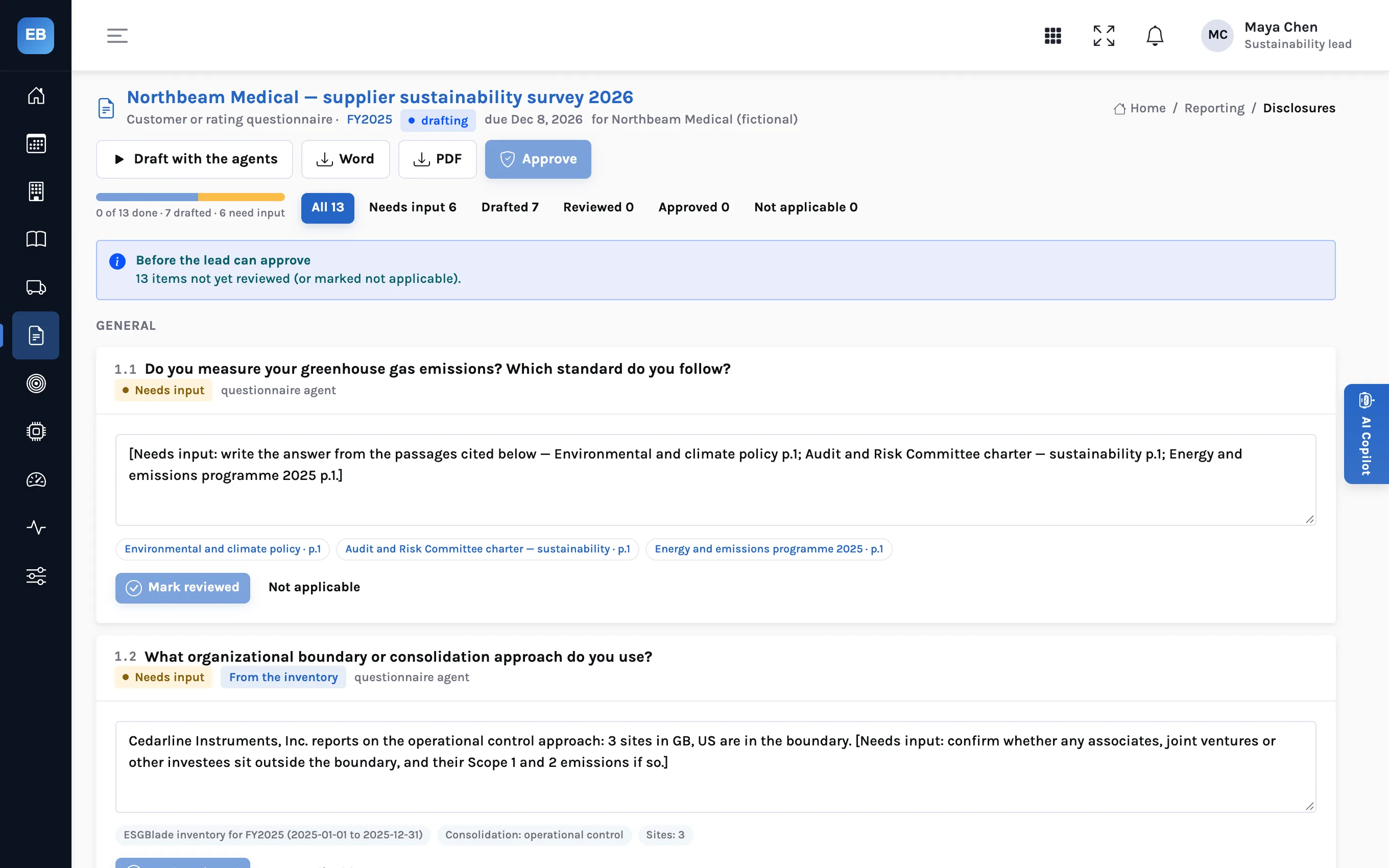
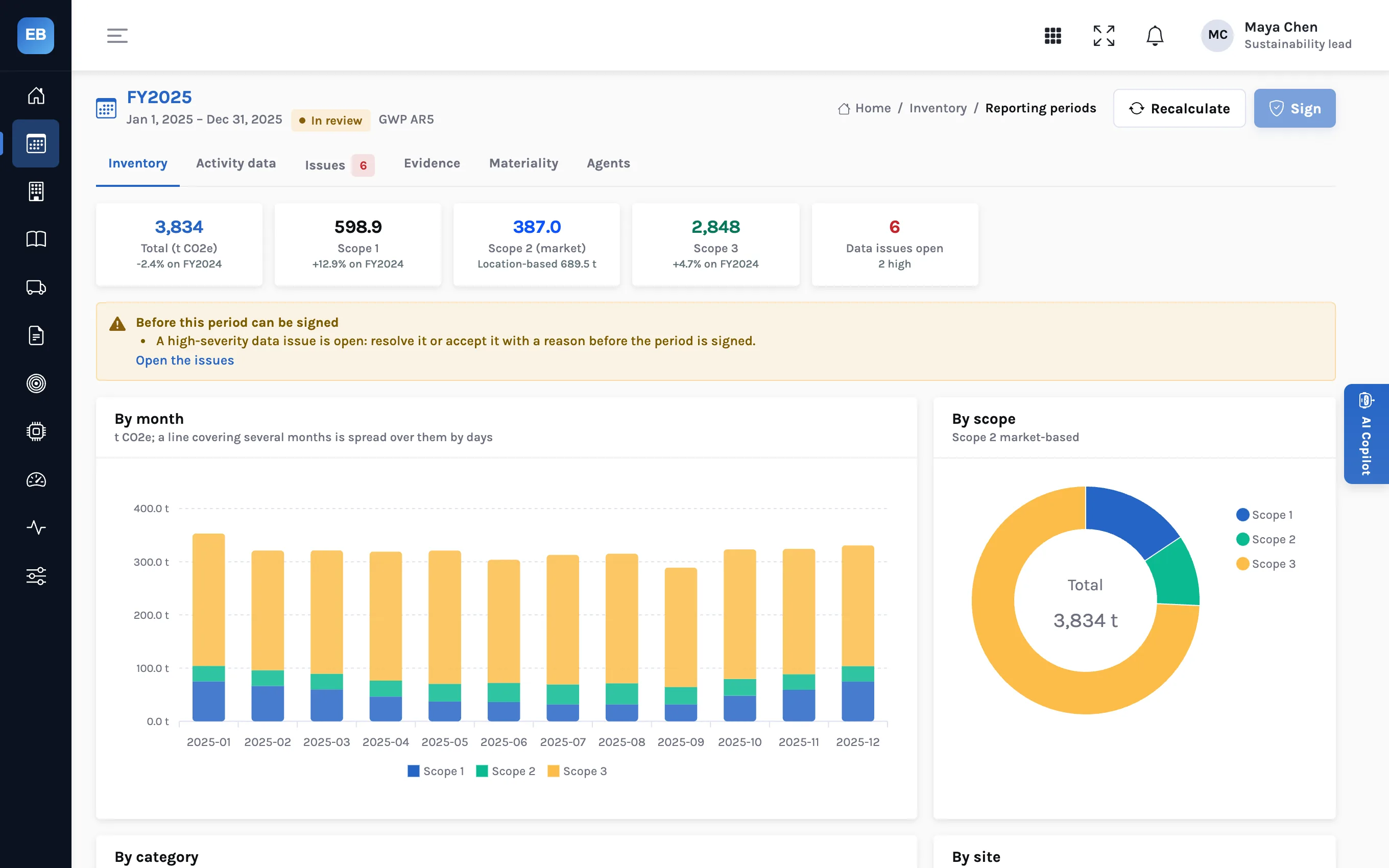
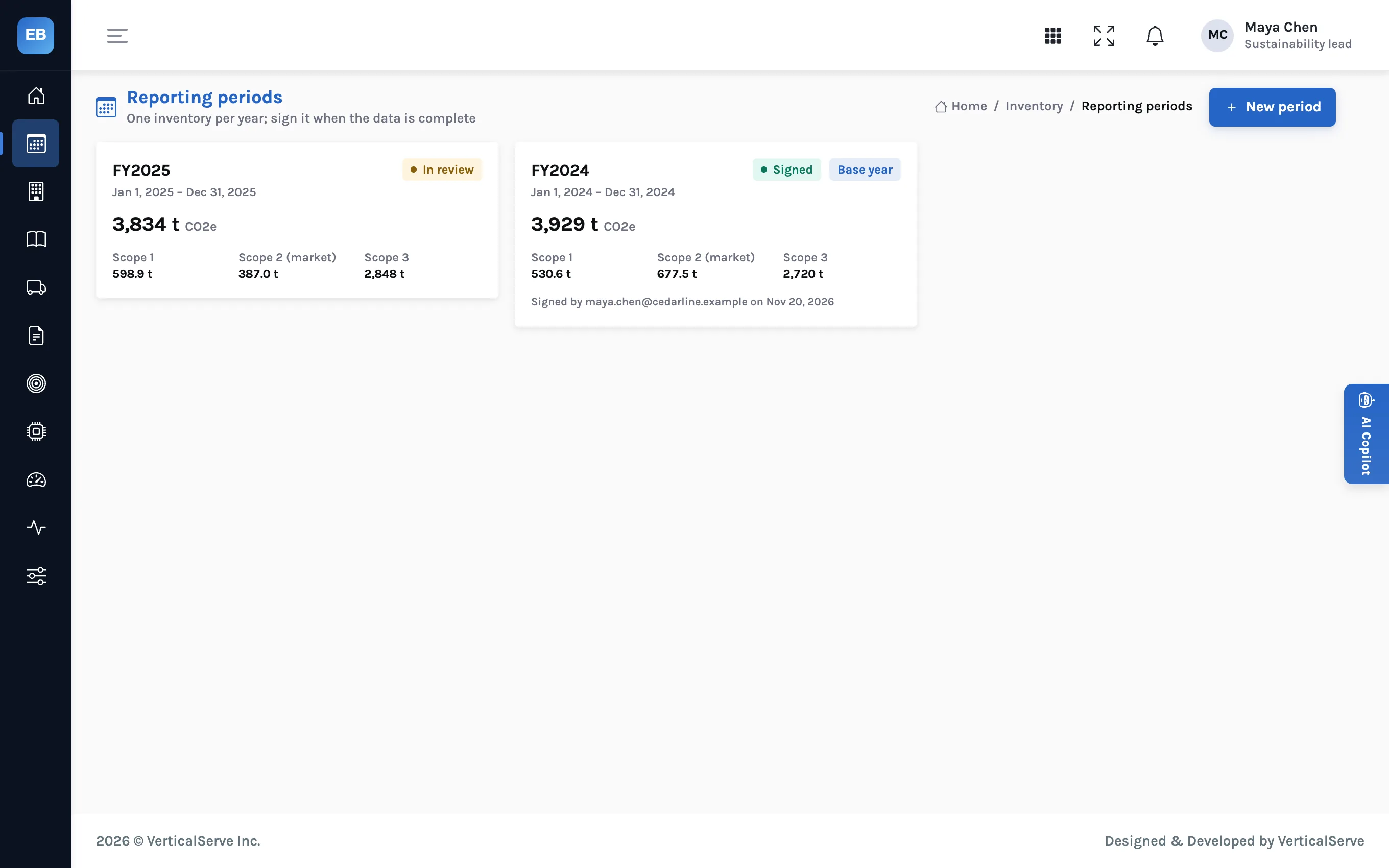
A retailer with sixty stores, or a hotel group with twenty properties, does not have a hard emissions calculation. It has a hard collection problem. Every site has an electricity account, many have gas, the food stores and kitchens have refrigeration, and each bill arrives on its own schedule from its own supplier.
This post covers the sources, who is asking, and how ESGBlade keeps dozens of sites in one inventory without losing a month.
The sources, by scope
| Source | Scope and category |
|---|---|
| Natural gas for heating, hot water and kitchens | Scope 1, stationary combustion |
| Refrigerant top-ups in display cases, cold rooms, kitchen chillers, air conditioning | Scope 1, fugitive (mass × GWP) |
| Delivery vans and company cars | Scope 1, mobile combustion |
| Store and hotel electricity | Scope 2, location-based and market-based |
| Purchased steam or district heat | Scope 2 |
| Goods for resale, food and linen, cleaning and laundry services | Scope 3, category 1 (spend) |
| Shop fits and refurbishments | Scope 3, category 2 (capital goods) |
| Deliveries to stores from third-party hauliers | Scope 3, category 4 |
| Waste by material and treatment | Scope 3, category 5 |
| Staff flights and hotel nights | Scope 3, category 6 |
| Water supply | Scope 3 |
Hotel nights, two ways
For a hotel group, its own properties are sites: their gas and electricity are Scope 1 and 2. The hotel nights activity type is for business travel, when your staff stay elsewhere. It is calculated by country.
Who is asking
Lenders and landlords ask multi-site operators for portfolio-wide energy and emissions figures. Hotel groups hear from corporate travel buyers who report their own business travel and want property-level data. Retailers are asked by parent companies and investors, and by brands they stock. Large companies may also fall under mandatory reporting rules such as CSRD or California's SB 253; who is in scope, and when, has been changing, so check the current rules.
Grids: eGRID subregions and national factors
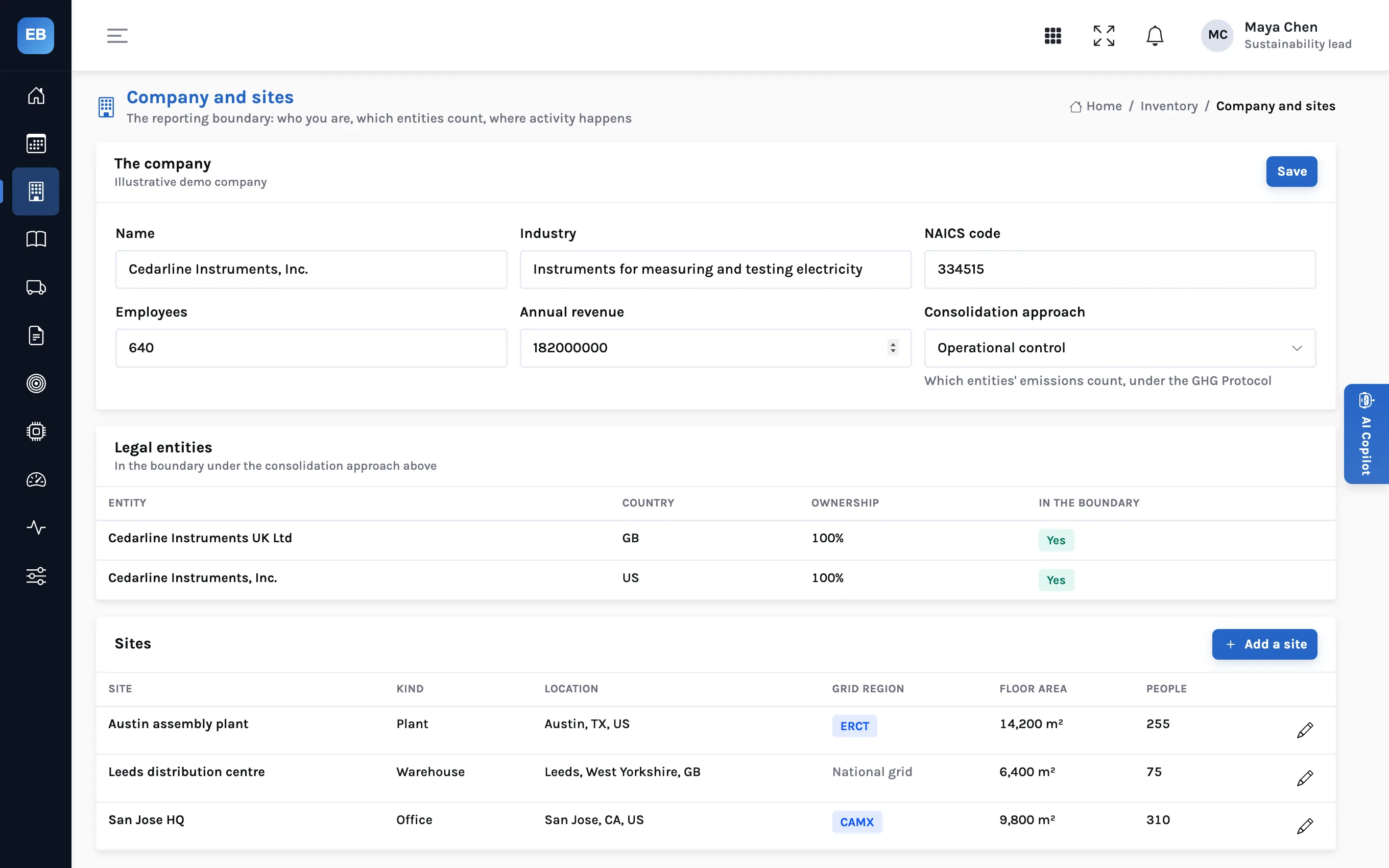
Electricity emissions depend on where the site is. In ESGBlade each US site carries its eGRID subregion, and location-based Scope 2 uses that subregion's factor from eGRID2023. Sites in other countries use the national grid factor. A US site without a subregion is flagged by the data quality agent, because its electricity can't be calculated correctly.
Market-based Scope 2 is separate: green tariffs, RECs and PPAs are entered with MWh and a certificate reference. See location-based and market-based Scope 2.
Dozens of bills, and the months that go missing
The intake agent sorts uploads and prepares the request to site owners for bills still missing. It never invents a document. The data quality agent checks for missing months per site and fuel, bills entered twice or with overlapping service periods, and swings of 30% or more against the prior period. More in the missing bill and the bill entered twice.
How ESGBlade handles it, step by step
- Add every site with country, eGRID subregion for US sites, floor area and headcount.
- Upload the bills, a site at a time or all at once. Scanned PDFs with no text layer are refused; enter those by hand.
- Enter refrigerant top-ups by gas and mass from the service records.
- Import the ledger and travel export.
- Run the agents. Accept, reject or ask on each prepared decision.
- Read the totals by site and month, then sign the period on the decision record.
Where people stay in charge
- Property requests wait for a person. The intake agent prepares requests to property managers for missing bills; a person sends them.
- Issues fixed or accepted with a reason. A missing month or a bill uploaded twice is fixed, or accepted with a reason that stays in the audit trail.
- Accept, Reject or Ask. A person answers each prepared decision, and the lead signs the period on the decision record.
- Your team draws the boundary. Whether franchised stores or hotels sit inside the inventory follows the boundary your team sets.
What to do first
- Build the site list from your lease schedule, with eGRID subregions for US sites
- Name a person at each site or region who can find a missing bill
- Collect refrigerant service records for every site with refrigeration
- Upload a full year and let the agents find the gaps before you chase anything
With dozens of sites, the inventory is only as good as its least complete site. Find the gaps first.
Try it on your own data
ESGBlade is free. Tell us about your company and we'll set up a workspace for your first reporting period.
Request a demo