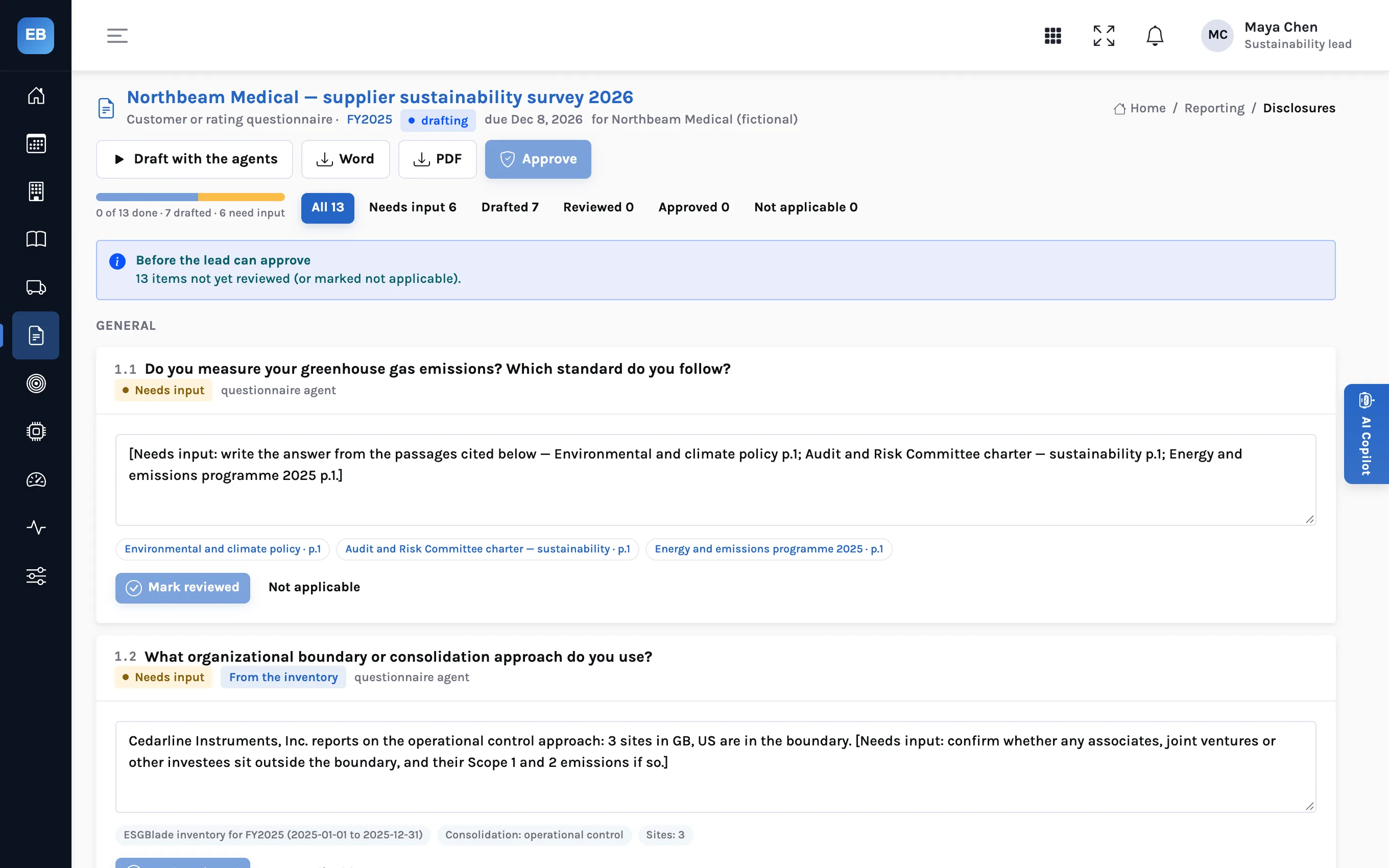
A software company or consultancy often assumes it has nothing to report. There is no plant and no fleet. Then an enterprise customer's procurement team sends a supplier questionnaire with a section on emissions, and someone has to fill it in.
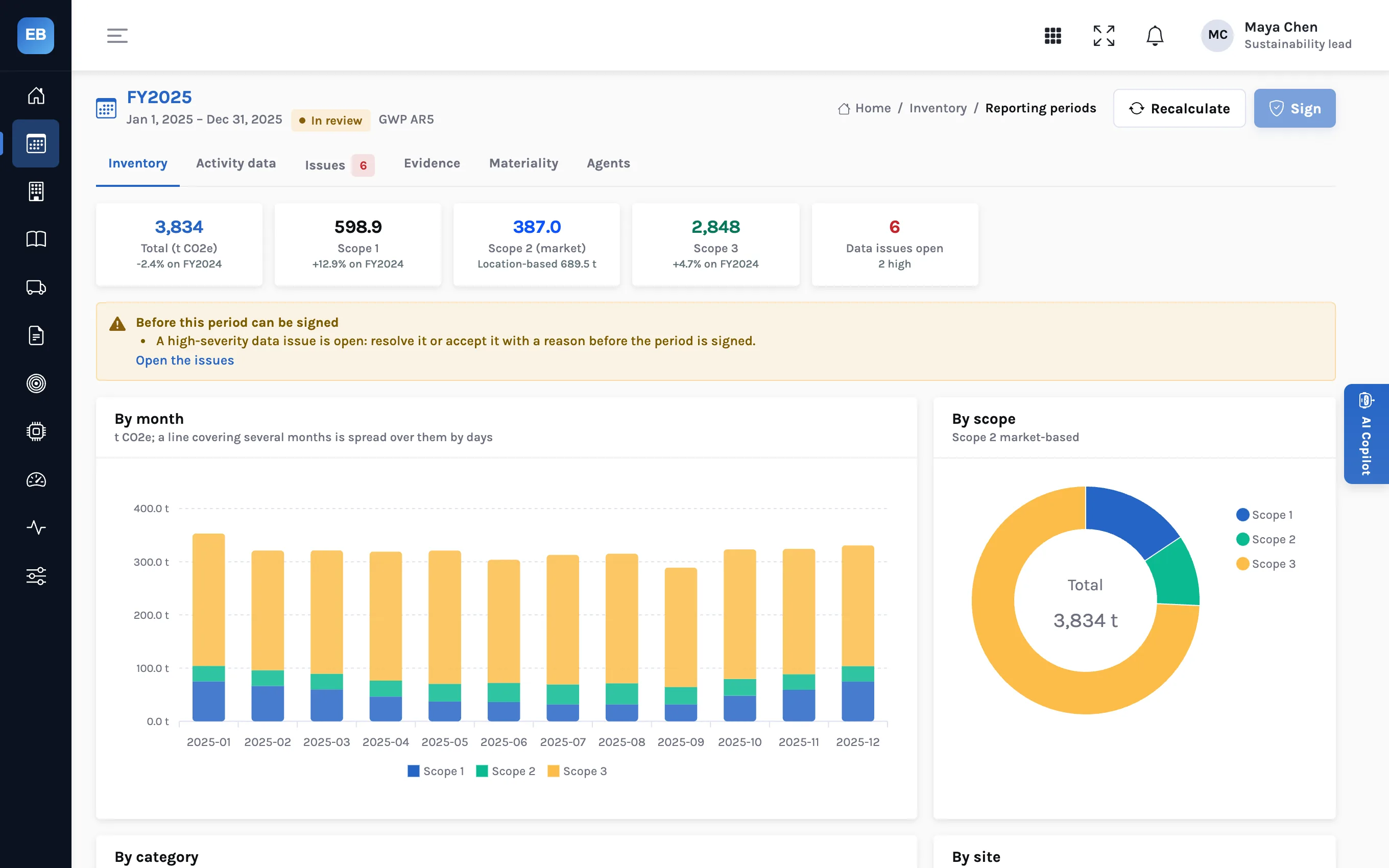
The footprint is small next to a manufacturer's, but it is not zero, and its shape is different. Almost all of it sits in Scope 3, and most of that comes from what the company buys: cloud hosting, software subscriptions, contractors, and flights.
Where the emissions are
Leased offices
If you lease space and pay the electricity bill, it usually sits in your Scope 2 under operational control. If the landlord's service charge covers it, you may have no bill at all; enter what you can find, and record how you estimated the rest.
Who is asking
Enterprise customers, mostly. Large companies setting Scope 3 targets ask their suppliers, including software vendors and consultancies, for emissions figures, a reduction target and the method behind both. It usually comes as a questionnaire in a procurement portal or a spreadsheet, sometimes as a clause in a contract renewal. Investors in growth-stage companies also ask for a yearly figure, and parent companies ask subsidiaries for data in their own format.
Spend-based Scope 3, and what the factors are
For a services firm, category 1 starts from the purchase ledger. ESGBlade converts each line to US dollars at the rate on the line, adjusts it to the 2022 price year with CPI-U, and multiplies it by a US EPA USEEIO 1.3 supply-chain factor for the supplier's NAICS industry. A cloud provider, a software reseller and a recruitment agency each get the factor for their industry.
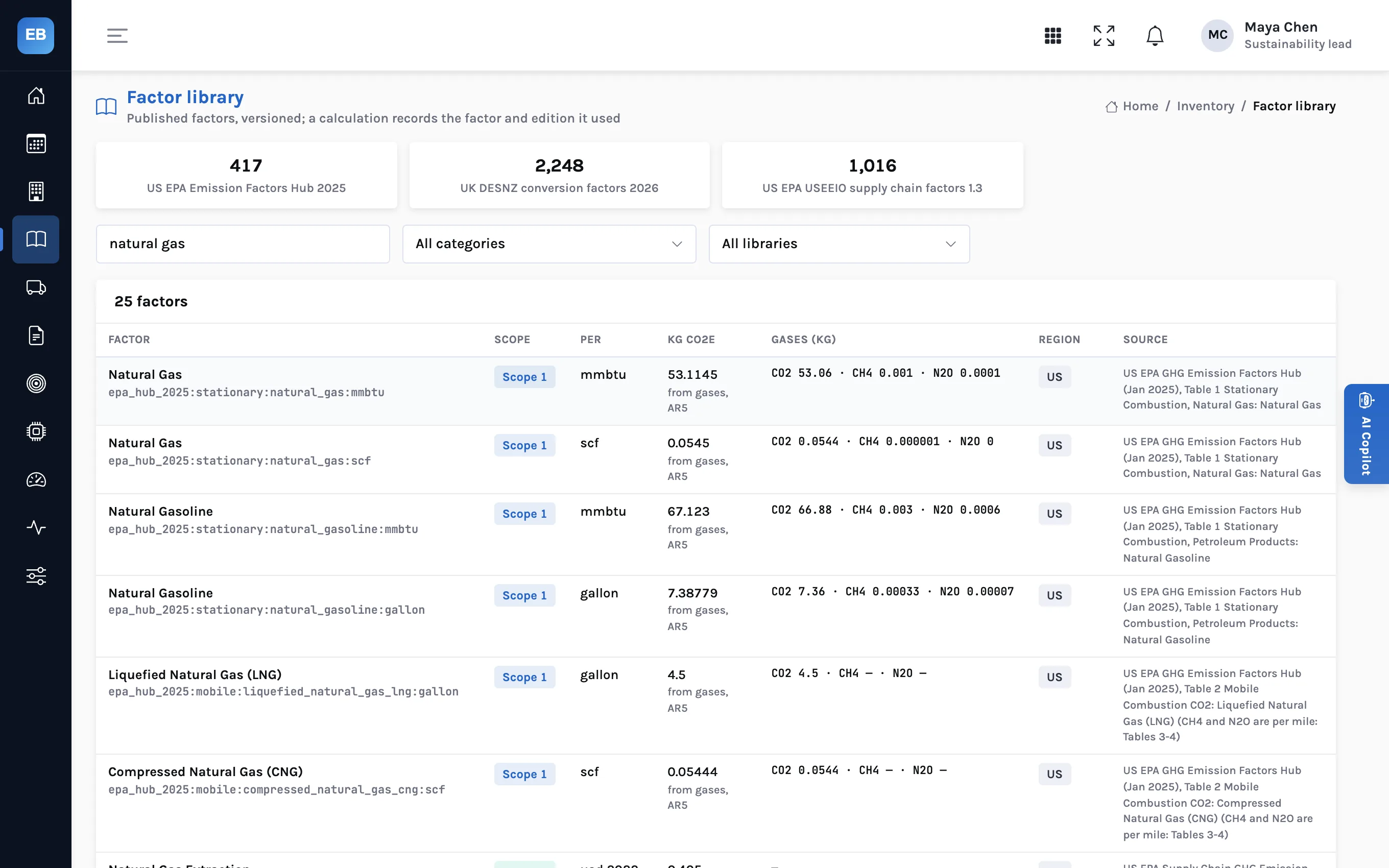
Spend-based figures are a reasonable start and a rough one: they track what you paid, not what your provider's data centres used. When a large supplier can give you its own figure, you can replace the estimate. See spend-based Scope 3 and when to replace it.
Business travel
Travel is often the second-largest item. The travel import takes flights, rail, car trips and hotel stays. Flights are split into short, medium and long haul by the EPA distance bands. Hotel nights are calculated by country, so a night in London and a night in Singapore get different factors.
How ESGBlade handles it, step by step
- Set up the company. Entities, consolidation approach, and each office as a site with country, floor area and headcount. US offices need an eGRID subregion.
- Upload the office bills you have; the extraction agent drafts lines cited to the page.
- Import the purchase ledger and the travel export with the spend and travel templates.
- Run the agents. The factor matcher proposes industries for unplaced suppliers; the data quality agent flags missing months and estimated lines; the inventory analyst explains what drives each scope.
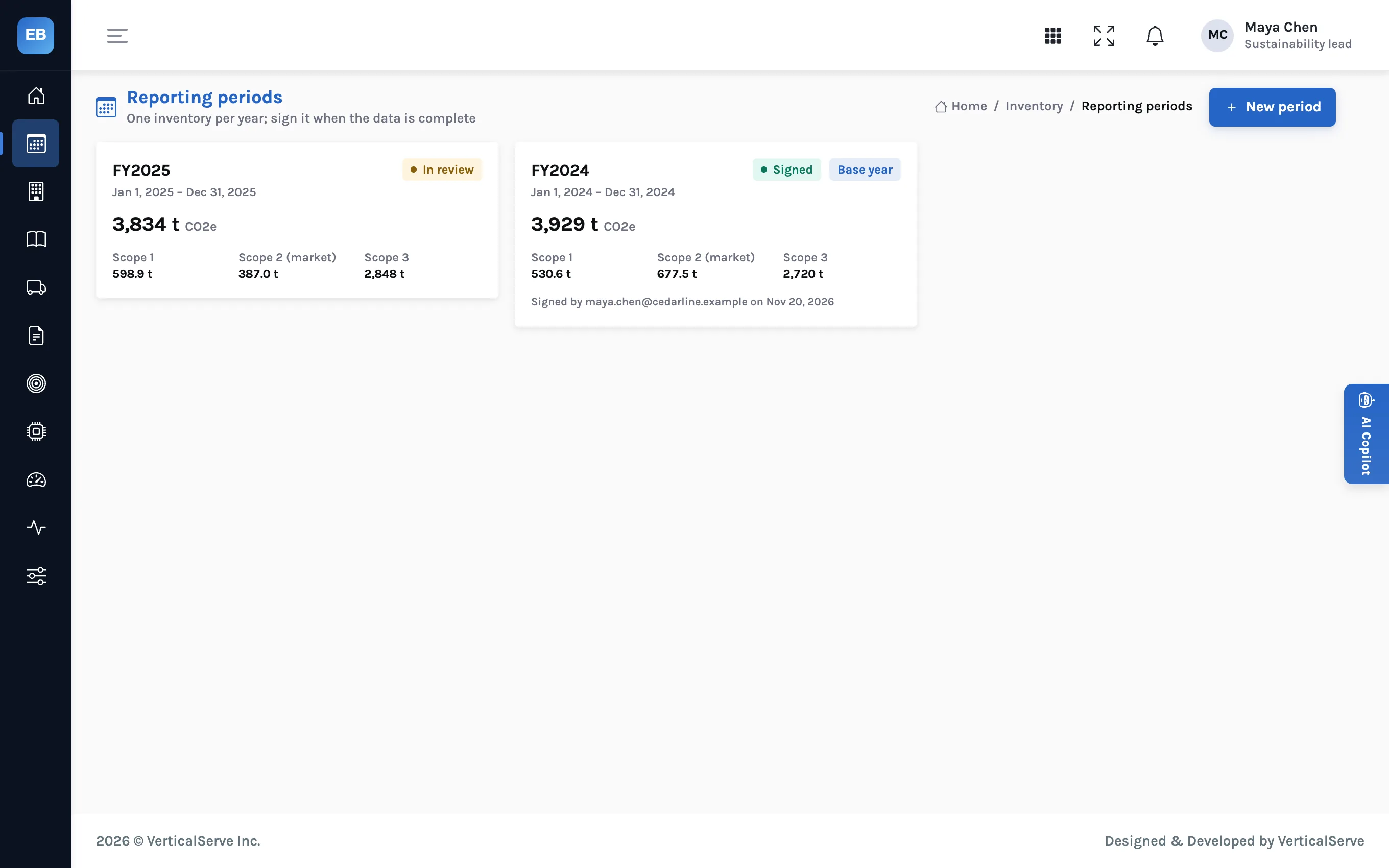
- Sign the period on the decision record.
- Import the customer's questionnaire (one question per row, in a column called "question"). Review the drafts, fill in what says Needs input, and export to Word or PDF.
For the questionnaire itself, see answering a customer's sustainability questionnaire. If the customer asks for a target, ESGBlade can track an absolute one; it will not write one for you.
Where people stay in charge
- Provider figures by choice. If a cloud provider gives you a figure for your account, a person enters it as a supplier-specific line.
- The lead signs the period on the decision record before the questionnaire is answered.
- A person fills Needs input. Your team reviews the drafts, fills in what says Needs input, and exports to Word or PDF.
- Your team sets the target as an absolute reduction against a signed base year.
What to do first
- Export a year of the purchase ledger with supplier names
- Get a travel agency or expense export with flights by route and hotel nights by country
- Find the electricity bills for each office, or decide how you'll estimate the ones you can't get
- Keep the customer's questionnaire as a spreadsheet so it can be imported
A software company's footprint is mostly what it buys. Start from the ledger and the travel export.
Try it on your own data
ESGBlade is free. Tell us about your company and we'll set up a workspace for your first reporting period.
Request a demo